Set up IPTV on a Formuler box
 By Théo Renard, Live Sport & PPV Streaming Editor Last updated
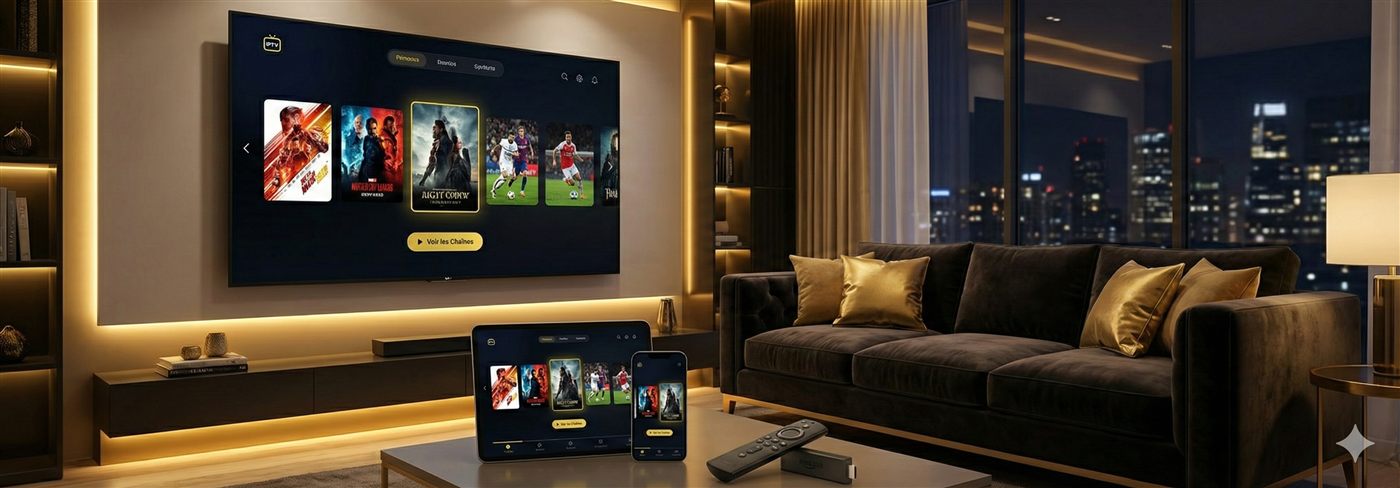
Formuler boxes (Z8, Z11 Pro, CC and the like) run a tuned Android system built around the MYTVOnline app, so the fast route is to open MYTVOnline and drop in your subscription — a portal URL or an Xtream Codes login. And because it's Android at heart, you can just as easily install TiviMate or IPTV Smarters if you prefer their guide. Here's both routes, plus the one wiring tip that keeps a main event steady.
Which route to pick? If you want the box to feel like a set-top receiver — turn it on, hit a number, watch — stay in MYTVOnline; it's purpose-built and there's nothing to fuss with before a card. If you're the sort who likes a recording buffer, a denser guide, or two bouts tiled on one screen, put TiviMate on alongside it. There's no penalty to having both installed, and they share the one login, so you can decide per night which suits the fixture.
Route 1 — MYTVOnline (built in, quickest)
- Open MYTVOnline from the Formuler home screen.
- Choose Add Playlist, then Xtream Codes or Portal / M3U URL.
- For Xtream, enter the server URL, username and password; for a portal, paste the portal address we send.
- Let the channels and EPG populate, then arrange your favourites for the night.
Route 2 — TiviMate or IPTV Smarters
Since it's Android, you can grab a different player from the Play Store (or sideload). The setup is exactly our TiviMate guide or IPTV Smarters guide — add the subscription via Xtream Codes or M3U. Many people run MYTVOnline for daily use and keep TiviMate around for its multi-view when two cards overlap.
Use the Ethernet port Every Formuler has one, and it's the difference between a clean main event and a frozen one at peak hours. Keep MYTVOnline updated too — the latest build has the current playback fixes.
If something's off
- Login or portal rejected — recheck the URL and credentials; they're case-sensitive.
- No guide — let the EPG finish downloading, then restart the app.
- App acting up — a fresh MYTVOnline reset, or a clean TiviMate install, usually clears quirks.
Frequently asked questions
Portal or Xtream Codes on a Formuler?
Both land you in the same place. Xtream Codes keeps Live, Movies and Series in tidy sections; a portal is the simplest single-URL route. We hand you whichever suits how you want it organised.
Can I put TiviMate on it?
Yes — Formuler is Android underneath, so TiviMate and IPTV Smarters install and run right alongside MYTVOnline. Handy if you want TiviMate's multi-view for a stacked card while keeping MYTVOnline for everyday zapping.
Which Formuler should I get?
Any current model — Z8, Z11 Pro or CC — sails through 4K IPTV. What actually decides your event nights isn't the model, it's using the Ethernet port and keeping MYTVOnline updated.
Point it at a subscription that holds at peak and message us — your Formuler's live in minutes.