Install IPTV on Android TV & Android Box
 By Théo Renard, Live Sport & PPV Streaming Editor Last updated
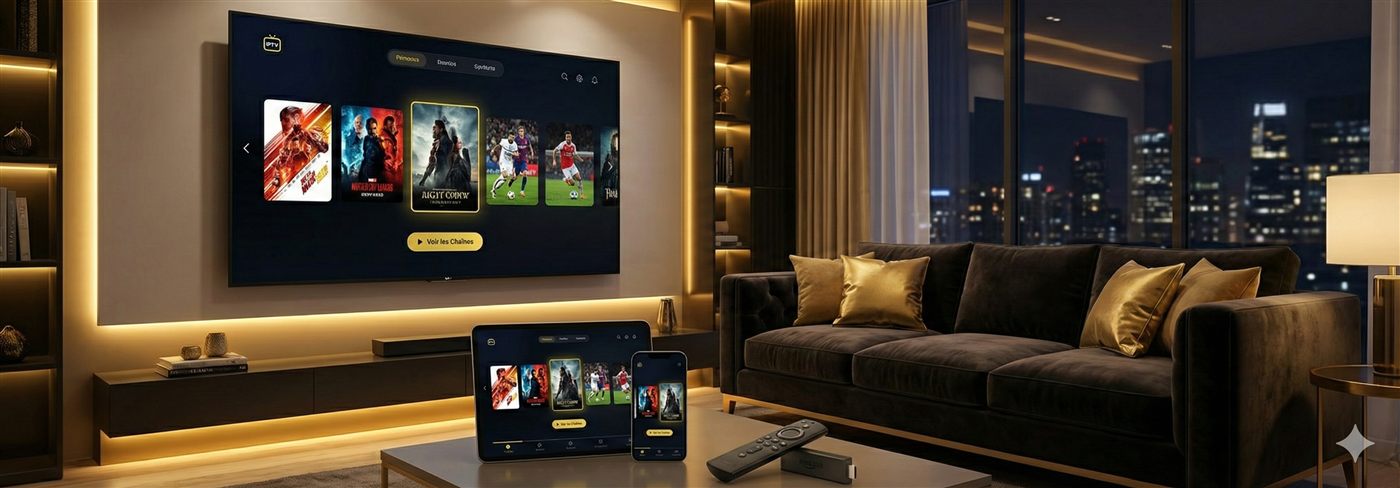
Android is the friendliest home for IPTV: install a player like TiviMate or IPTV Smarters from the Play Store, sign in with your Xtream Codes login or M3U link, and the channels and guide populate in a couple of minutes. The same steps cover Android boxes, the Nvidia Shield, Chromecast with Google TV and Sony/Philips/TCL sets. Below: the setup, the two apps compared, what to do on a box without the Play Store, and the one wiring tip that keeps a main event from freezing.
What you need
- An Android TV or Android box (Google TV, Nvidia Shield, MECOOL and the like all qualify).
- A steady line — ~10 Mbps for HD, 25 for 4K. A box with an Ethernet port gives the calmest picture on a big night.
- Your login: Xtream Codes (username, password, server URL) or an M3U link — we send both.
Steps
- Fire up the Google Play Store on the box (or the Downloader app if it's a Play-Store-less model).
- Install your player of choice from the pick below — both TiviMate and Smarters cost nothing to try.
- In the app, choose Add playlist and select Xtream Codes over a plain M3U URL where you can.
- Type in the details we sent — pairing a keyboard remote or the Google TV phone app spares you the on-screen keyboard.
- Give the channel list and guide a minute to build on first launch.
- Long-press the channels you'll actually watch into favourites — sport and home channels up top — so the card is a single click on the night.
TiviMate vs Smarters, honestly
| TiviMate | IPTV Smarters Pro | |
|---|---|---|
| The guide | Class-leading — fast, dense, and it earns its keep on a busy night | Clean and perfectly readable |
| Recording | Yes, on Premium | Only basic |
| Two cards at once | Multi-view, up to four tiles (Premium) | Not offered |
| Getting started | A quarter-hour of settings you set once | Nothing to learn — sign in, watch |
| Same app on phone/laptop | No, it's an Android-TV specialist | Yes, everywhere |
Short version: main box → TiviMate (setup guide); simplest start or mixed devices → Smarters (setup guide). Both free to try; the whole field is in the best IPTV app comparison. Two more worth knowing: XCIPTV (feature-heavy, strong catch-up) and Sparkle TV (featherweight — the rescue app for a struggling 1 GB box).
Which box you're on changes things
Here's the part most setup guides skip: the box you already own decides how a stacked Saturday actually goes. The gap isn't the interface — it's the network chip and the RAM. A wired box with 2 GB doesn't notice when a title fight pulls the whole neighbourhood onto one stream; a 1 GB Wi-Fi puck notices badly. So before you blame the service on a frozen main event, find your device in the table and read the note next to it — that's usually where the real fix lives.
| Device | What to expect |
|---|---|
| Nvidia Shield | Flawless — gigabit Ethernet on board; wire it and buffering is a memory |
| Certified Google TV box (€40–70) | The sweet spot for most people — see the box buying guide |
| Chromecast with Google TV | Very good, but Wi-Fi only — force 5 GHz or add a USB-C Ethernet adapter |
| Sony / Philips / TCL Android TV | Same steps, no box required |
| Cheap AOSP box (no real Play Store) | Works via sideload, but budget for its replacement |
No Play Store? Sideload it
Some budget boxes ship without a full Play Store. Install the Downloader app (or use a USB stick), sideload the player's APK, then add your playlist exactly as above. Unsure which method is safe for your box? Message us the model and we'll tell you.
The wiring tip that saves the main event If the box has an Ethernet port, use it — it removes the biggest cause of a frozen card at peak hours. No port, or the box is far from the router? Force 5 GHz Wi-Fi with line-of-sight, and nudge the app buffer up a notch. The ordered checklist is in the buffering guide.
If something's off
- Login rejected — server URL and credentials are case-sensitive; paste them to dodge typos.
- App crashes on a cheap box — switch to a lighter player like Sparkle TV, or clear the app cache.
- Guide empty — let the EPG finish, then restart the app.
- Only-in-the-evening buffering — that's peak load; a wire and a real provider fix it.
Frequently asked questions
TiviMate or Smarters on my box?
If the box is your main living-room TV and you care about the guide, recording or watching two cards at once, TiviMate — its EPG and multi-view are the best going. If you want to sign in and be watching with zero fuss, or use the same app on your phone, Smarters. Both are free to try, so load one tonight and keep whichever fits.
Does it work on Nvidia Shield or Chromecast with Google TV?
Yes — both are certified Google TV with the full Play Store, so the steps are identical. The Shield is the smoothest IPTV box there is; the Chromecast is Wi-Fi only, so treat its signal kindly or add a USB-Ethernet adapter for event nights.
My box has no Play Store — am I stuck?
No — sideload the player's APK with the Downloader app or a USB stick and add your list the same way. But a box without a real Play Store is usually an uncertified AOSP box: fine for now, annoying long-term. The box buying guide says what to get instead.
Why does my cheap box choke on a big channel list?
RAM. A 20,000-channel list plus a week of guide data is heavy, and 1 GB boxes wilt under it — worse as caches fill. A lighter player (Sparkle TV) buys time; the real fix is a box with 2 GB or more.
Can I run the same login on the box and my phone?
Yes — your Xtream Codes login works in any player on any device, up to your plan's simultaneous-stream limit. Box on TiviMate, phone on Smarters, one subscription.
App ready — all that's left is a subscription that holds at peak and your login. Message us and we'll confirm your channels first.