Install IPTV on an Amazon Fire TV Stick
 By Théo Renard, Live Sport & PPV Streaming Editor Last updated
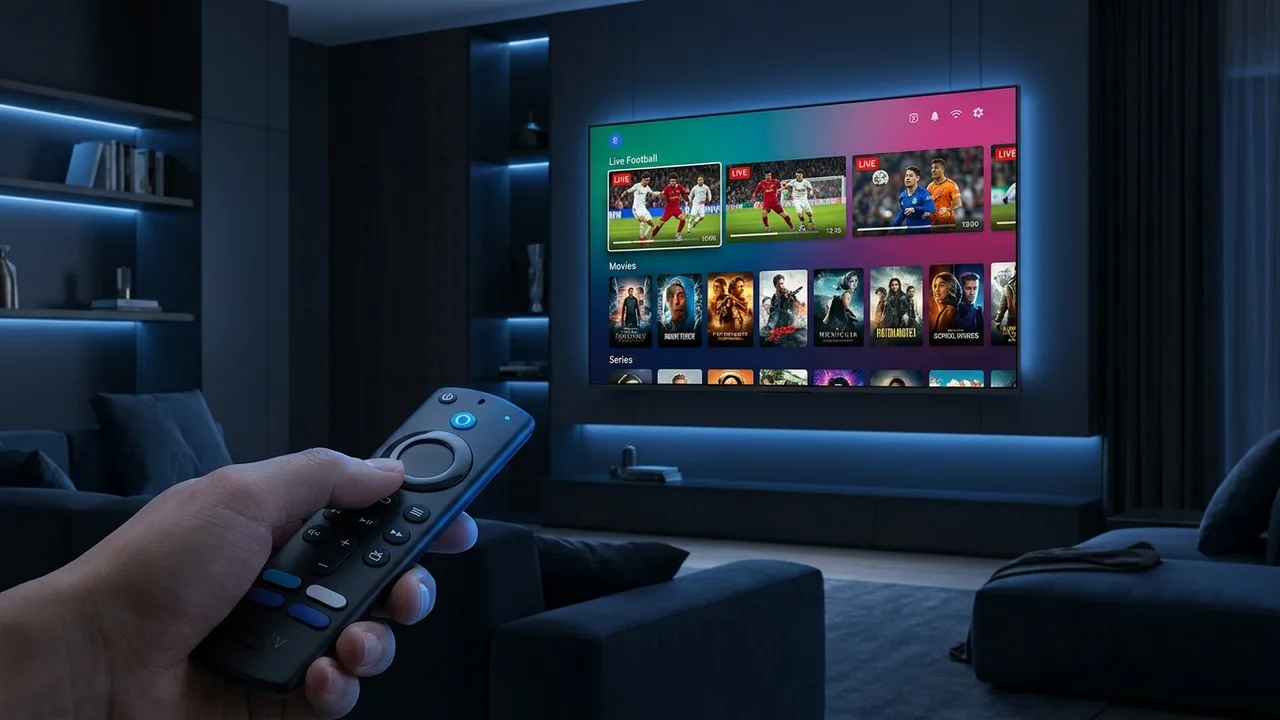
A Fire Stick is the cheapest way to turn any HDMI TV into an IPTV machine, and the whole job takes about ten minutes the first time — no computer involved. The short version: let the Downloader app install a player, sign in with your details, and — the part most guides skip — wire it up so the picture holds when the card starts. Here's the exact run-through.
Before you start
- Any Fire TV Stick (Lite, 4K or 4K Max) or a Fire TV Cube — an older one is fine for HD.
- A steady line: ~10 Mbps for HD, 25 Mbps-plus for 4K. For event nights, an Ethernet adapter beats any Wi-Fi.
- Your login: an Xtream Codes set (server, username, password) or an M3U link — we send both.
- Ten minutes, ideally well before kickoff rather than during it.
Steps
- Open Settings → My Fire TV → Developer Options and switch on Install unknown apps for Downloader — this is Amazon's own permission, not a hack.
- In the Appstore, grab the free Downloader app; it's the tool that side-loads your player.
- Use Downloader (or the Appstore) to install a player — IPTV Smarters Pro for a quick start or TiviMate for the best guide.
- Open the player and add your subscription with the Xtream Codes login or the M3U URL we sent you.
- Let the channels and TV guide populate — give the EPG a minute on first load — then you're live.
Want the app walked through in detail? See the IPTV Smarters Pro and TiviMate guides.
Smarters or TiviMate?
| Player | Pick it for | Sign-in |
|---|---|---|
| IPTV Smarters Pro | Fastest start — clean layout, nothing to learn | Xtream Codes or M3U |
| TiviMate | The nicest guide plus recording and multi-view (Premium) — handy when two cards clash | Xtream Codes or M3U |
Both start free. Install one to get going tonight and try the other later; your one login works in either.
The €10 upgrade that saves fight night The Stick's tiny aerial is the usual reason a main event stutters. An official Ethernet adapter — around €10–15 — wires it straight to the router and takes that risk off the table. If a cable really can't reach, force 5 GHz and sit the Stick in line of sight of the router.
Models and 4K
Every current Stick runs IPTV; for 4K channels and 4K on-demand use a 4K, 4K Max or Cube and make sure the line sustains 25–35 Mbps. The Lite handles HD without complaint. On any older Stick, closing background apps before a big night keeps things snappy.
If something's off
- Freezing or buffering — the connection, nearly always. Wire it or move closer to the router; the ordered checklist is in fix IPTV buffering.
- Player won't install — go back to step 1 and confirm "Install unknown apps" is on for Downloader.
- Channels but no guide — the EPG needs a moment on first launch; if it stays blank, see fix the EPG.
Frequently asked questions
Do I have to jailbreak the Fire Stick?
No — "jailbreaking" isn't a thing here. Letting the Downloader app install a player is a normal, built-in Fire OS permission, nothing more. Anyone who tells you a Stick needs cracking is selling you something.
Which player should I load first?
IPTV Smarters Pro if you just want to be watching in five minutes; TiviMate if you want the sharpest guide and recording later. Both are free to try, so load one, keep the other in reserve.
Will the cheap Fire Stick Lite cope with a fight card?
For HD, yes, comfortably. For a 4K main event you want a Fire TV Stick 4K, 4K Max or Cube — and, whichever you have, a wired connection matters more than the chip on the night.
Why does my Stick freeze mid-event?
Almost always the last few metres of Wi-Fi, not the servers. Add the Ethernet adapter or move to 5 GHz and it usually stops — the full order of causes is in our buffering guide.
Can I plug a Fire Stick into Ethernet?
Yes, and for event nights you should. Amazon's official Ethernet adapter clips onto the Stick and gives the steadiest picture — the single best upgrade for sport.
Set up and ready — all that's left is a subscription that holds at the walkout. Message us and we'll confirm your channels and the card you're after.