IPTV guide (EPG) blank or wrong? Fix it before kickoff
 By Théo Renard, Live Sport & PPV Streaming Editor Last updated
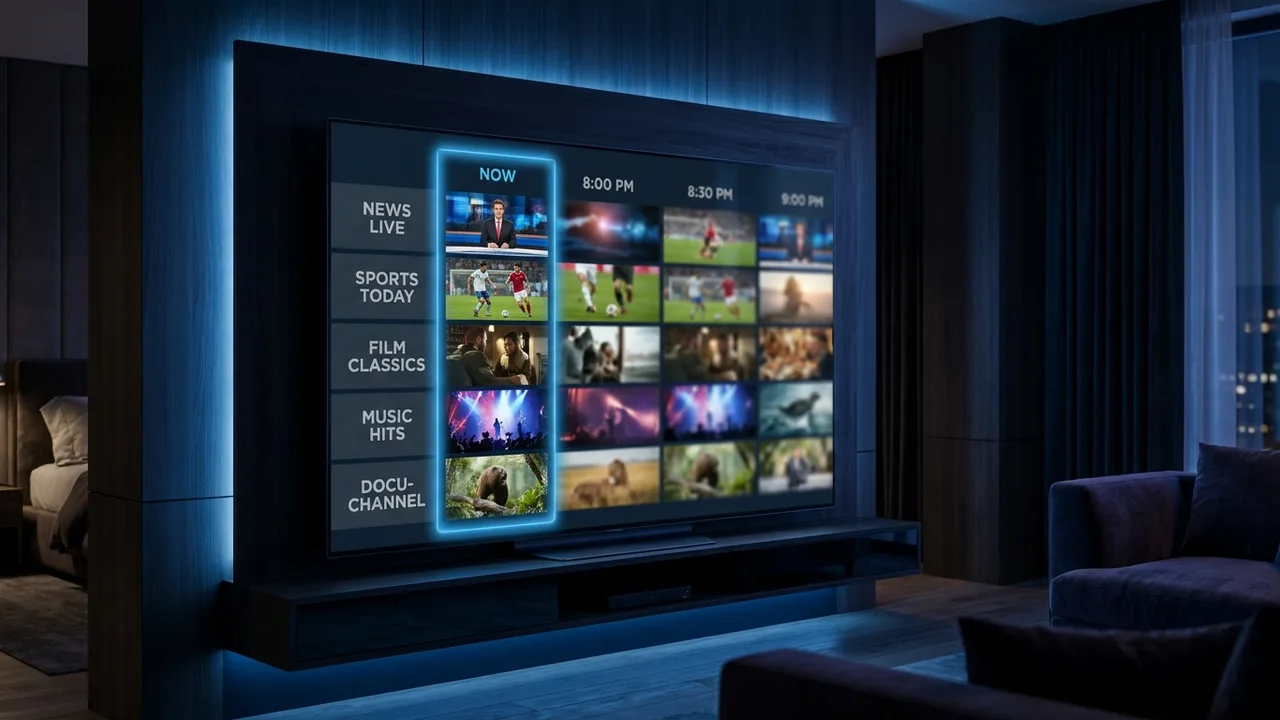
A dead or mistimed TV guide is annoying any day and a real problem the night you need to line up a card's start time. The good news: it's nearly always one of three culprits — the EPG URL isn't set, the guide is still downloading, or the device clock is wrong. Do these in order, well before kickoff, and it comes back in a couple of minutes.
- Guide totally empty → the XMLTV link probably isn't entered in your player.
- Guide loading slowly → let the first download finish, or force a refresh.
- Programmes at the wrong hour → your device clock is off; fix the timezone.
Worth understanding why this matters beyond neatness: the guide is what you plan an evening around, and it's also what catch-up hangs off — a channel with no EPG usually can't rewind either. So a five-minute fix here doesn't just tidy the grid, it restores the "start it from the beginning" button you'll want the night a card kicks off before you're home.
Three fixes, in order
- Is the EPG URL in? — whatever the player (TiviMate, Smarters, Kodi's PVR Simple Client), your provider's XMLTV link has to be entered. Without it there's simply no guide to show.
- Force it to re-pull — hit "Refresh EPG" or wipe the EPG cache in settings, then let it download afresh.
- Correct the clock — a wrong device time shifts every programme by hours. Set the right timezone and enable automatic time.
- Don't rush the first load — a full guide can take a minute the first time; interrupting it leaves you with gaps.
- Restart the player — fully close and reopen it after refreshing to lock the guide in.
A blank on just a few channels? If most channels show a guide but one or two say "No information", their channel IDs aren't matched to the EPG source — that's ours to map, not yours to fix. Send us the channels and we'll correct it; a full, accurate guide (and the catch-up that rides on it) is part of the service.
Worth knowing
- Many players only auto-refresh the guide once a day — a manual refresh forces it now, handy right before an event.
- Catch-up and replay depend on the EPG, so fixing the guide usually restores those too.
- Other gremlins? The buffering guide covers the rest of the common IPTV issues.
Frequently asked questions
Why is my guide completely blank?
Ninety percent of the time it's one of three things: no EPG URL entered in the player, the guide is still downloading, or the device clock/timezone is wrong. Add the URL, force a refresh, check the time — sorted.
How do I force the guide to reload?
Use "Refresh EPG" (or clear the EPG cache) in your player's settings, then fully restart the app. On a big channel list the re-download takes a minute — leave it be until it finishes.
The guide is there but the times are off — why?
That's the device clock, almost always. Set the correct timezone and turn on automatic time, refresh the EPG, and the programmes snap back into place — important when a card's start time has to be right.
A blank guide is the URL, a mid-download, or the clock — work the three in order and it returns. Still stuck before a big night? Message us and we'll resend your correct EPG link and check your channel mapping.