Set up IPTV Smarters Pro
 By Théo Renard, Live Sport & PPV Streaming Editor Last updated
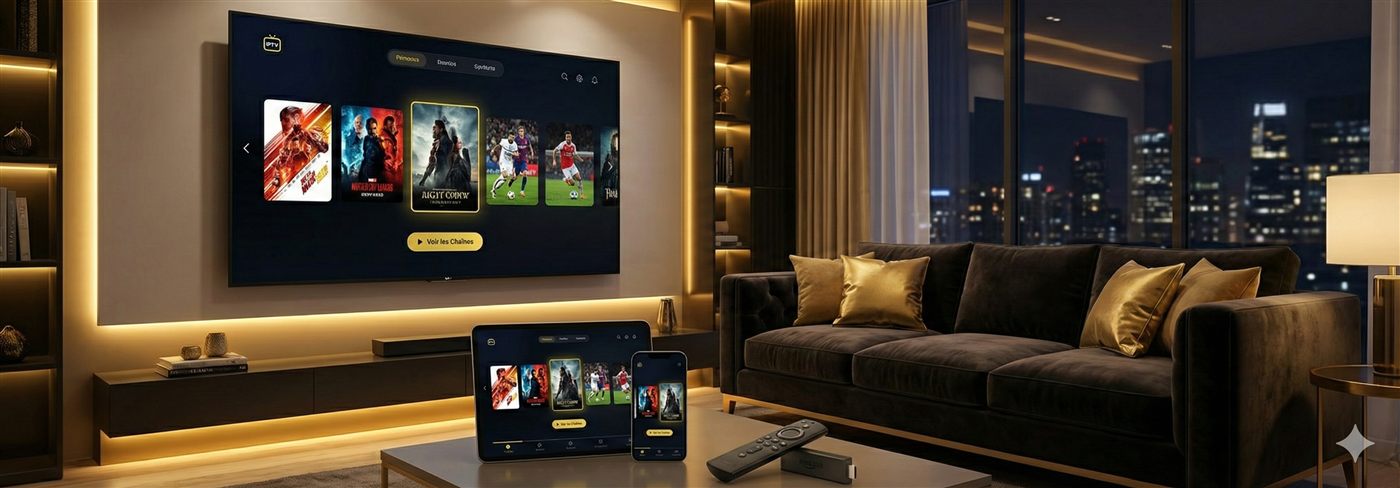
IPTV Smarters Pro earns its popularity by running nearly everywhere — Android, Fire Stick, iPhone/iPad, Smart TVs, Windows and Mac — with the same clean layout on each. Install it, pick Login with Xtream Codes API, type your username, password and server URL, and Live, Movies, Series and the guide fill in within a couple of minutes. Here's the full setup, plus the fixes for the snags people hit.
Setup
- Grab IPTV Smarters Pro from your device's store — or, on a box without one, side-load it through the Downloader app.
- On the first screen, take the Login with Xtream Codes API route wherever it's offered; it keeps everything sorted, unlike a bare M3U.
- Label the profile anything you like, then copy in the username, password and server URL we messaged you — character for character.
- Confirm, and give it a moment to build out Live TV, Movies, Series and the guide.
- Play any channel to check it's flowing, then long-press your must-watch channels into favourites so the card is one press away.
Why Smarters suits a split household Because it's the same app on the TV, the phone and the laptop, it's the easy pick when the house divides across two events — one match on the big screen in Smarters, another on a tablet in Smarters, both on the one login (up to your plan's connection limit). Set your favourites once and the layout is identical on every screen.
Worth knowing
- Xtream over M3U: the Xtream login sorts everything into Live / Movies / Series and keeps the guide neat — prefer it to a flat M3U link.
- Playback: a channel stuttering? Switch the built-in player in settings, or raise the buffer a touch.
- Across devices: install it on as many screens as you like — how many stream at once is set by your plan's connections, handy when the household splits across two matches.
If something's off
- "Invalid credentials" — re-check username, password and URL; they're case-sensitive, so paste rather than type.
- Channels won't play — usually the line; test your speed and prefer Ethernet.
- Buffering at peak — the ordered checklist is in the buffering guide.
Frequently asked questions
What devices run IPTV Smarters Pro?
Almost everything: Android, Fire Stick, iPhone/iPad, many Smart TVs, Windows and Mac. That reach is the whole appeal — one familiar layout on every screen in the house. On Apple TV availability varies; the Apple TV guide lists alternatives.
Is it free?
The app is free; you just need an active subscription and login. There's no premium tier to buy, unlike TiviMate — Smarters gives you the full thing for nothing.
Smarters or TiviMate?
Smarters if you value the same app across phone, tablet and TV, or the fastest possible start. TiviMate if the TV is your main screen and you want the sharpest guide and multi-view for a stacked card. Many people run both on one login.
Point it at a subscription that holds when it counts and message us — we'll have you set up in minutes.