Watch IPTV on Chromecast & Google TV
 By Théo Renard, Live Sport & PPV Streaming Editor Last updated
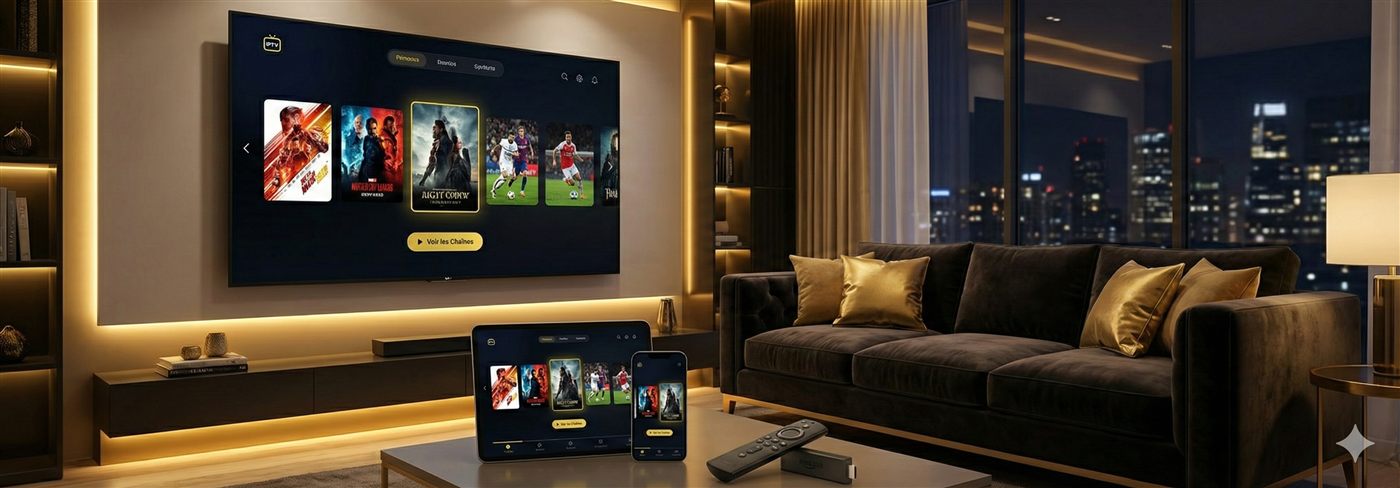
There are two Chromecasts, and which you own decides the method. Chromecast with Google TV is a full Android TV device, so you install an IPTV app (TiviMate, IPTV Smarters) right onto it — the clean route. An older Chromecast — the little puck with no remote — has no apps, so you cast to it from a phone or computer. Here's both, and how to keep either steady when a card's on.
First, tell the two apart
| Chromecast with Google TV | Older Chromecast (puck) | |
|---|---|---|
| Comes with a remote? | Yes | No |
| Shows a home screen? | Yes — the Google TV interface | No — just a screensaver |
| Can install apps? | Yes, full Play Store | No — casting only |
| How it feels for IPTV | Excellent — native players, own remote | Workable — the phone does the heavy lifting |
| Your method | Method 1 below | Method 2 below |
Method 1 — Chromecast with Google TV (the good one)
It's an Android TV device in a dongle, so the setup mirrors our Android TV guide:
- From the home screen, open the Google Play Store.
- Install TiviMate or IPTV Smarters Pro.
- Add your list via Xtream Codes or an M3U link.
- Let the channels and guide load, then star your favourites for the night.
Which app? TiviMate for the best guide and recording; IPTV Smarters for the quickest start — full comparison in the best IPTV app guide. The one catch is that this Chromecast is Wi-Fi only, so give it 5 GHz and a clear line to the router, or add a USB-C Ethernet adapter if live sport is your main use. (Weighing a different device? The box buying guide compares them.)
Method 2 — older Chromecast (cast to it)
- Put an IPTV player on your Android phone (or your computer) and sign in.
- Make sure the phone/PC and the Chromecast share the same Wi-Fi.
- Start the channel, tap the Cast icon, and pick your Chromecast.
Casting, honestly, on a big night The stream actually plays on your phone, which relays it over Wi-Fi to the Chromecast — so every weak spot in your network is paid twice, the screen must stay awake, and a call can interrupt the walkout. Grand for a film; for daily IPTV or a live card, the €40 jump to a native device (Chromecast with Google TV, a Fire Stick, or an Android box) earns itself back in un-frozen matches. Line basics: ~10 Mbps HD, 25 for 4K — check with the speed test.
If something's off
- App won't install — only Chromecast with Google TV has the Play Store; older pucks must cast.
- Cast keeps dropping — move the router closer, force 5 GHz, or switch to a native device.
- Buffering — the ordered checklist is in the buffering guide.
Frequently asked questions
How do I know which Chromecast I own?
Came with a remote and shows a Google TV home screen? That's Chromecast with Google TV — install IPTV apps straight onto it. Just a little puck with no remote? That's an older casting-only model, so the playing happens on your phone or PC and you send the picture over.
Best app on Chromecast with Google TV?
The same two that win on any Android TV: TiviMate for the finest guide and recording (and multi-view for a stacked card), IPTV Smarters for the fastest, simplest start. Both come straight from the Play Store on the device.
Can the old casting puck still do IPTV?
Yes, by casting — run a player on your Android phone or computer, start the channel, hit the Cast icon. It works, but for a long live event a native app on a newer device is far steadier.
Why does my cast keep dropping mid-match?
Because casting doubles the Wi-Fi trip: phone → router → Chromecast. A weak signal on either leg drops the stream, and a phone call can cut it dead. Move the router closer, force 5 GHz, or step up to a model that plays natively.
Do I need a different subscription for it?
No — the same Xtream Codes login or M3U link runs on every device you own, within your plan's connection limit. Chromecast, phone, Smart TV, all on one account.
Either path, all you need is a subscription that holds at peak — message us and we'll pick the smoothest setup for your Chromecast.