What is IPTV? Television that arrives as internet data
 By Théo Renard, Live Sport & PPV Streaming Editor Last updated
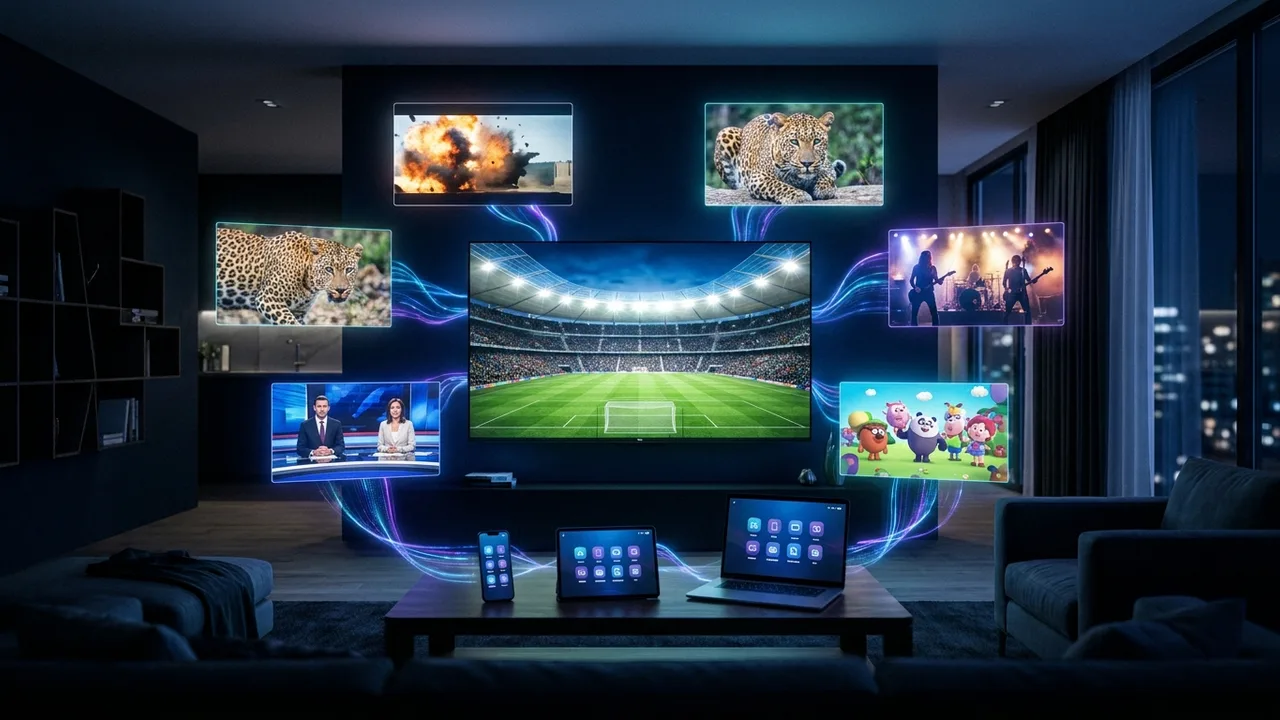
Strip away the acronym and IPTV is simple: your television is delivered as ordinary internet data instead of through a satellite dish or a cable in the wall. That one change is why the same subscription plays on the living-room TV, the phone on the bus and the laptop at the kitchen table — and why the fight card that used to need a separate box-office order can just be another channel in the list.
- IPTV = Internet Protocol Television — the signal travels over your internet line, not a dish or cable.
- One login → live channels + a TV guide + on-demand + live events, on any screen.
- You need a device, a player app, a subscription and a stable connection. That's it.
How it actually works, in four steps
- The channels live on a server. The provider runs the live feeds and the on-demand library on internet servers, sized for how many people watch at once.
- Your subscription is a key. It arrives as an Xtream Codes login or an M3U link — a credential that tells your app which channels you can open.
- A player app turns it into TV. Apps like TiviMate or IPTV Smarters read that key, build your channel list and the EPG guide, and play the streams.
- Your connection carries it. The video streams to whatever screen you're on — no dish, no technician, no wall socket.
IPTV, cable and streaming apps — the honest split
| Cable / satellite | One streaming app | IPTV | |
|---|---|---|---|
| Delivery | Dish / coax | Internet | Internet |
| Live channels | 100–300 | None | Thousands |
| Live events / fights | + PPV fees | No | Included |
| Watch anywhere | The one TV | Any device | Any device |
Why it suits event watchers Because live events are just live channels here, the boxing card and the football night sit in the same list as the news — no separate order, no per-event fee. More on that on the PPV events page.
What you need to start
- A screen — Smart TV, or any TV plus a ~€45 Fire Stick.
- A player app — see which app to pick.
- A subscription — we send your login and confirm your channels first.
- A stable connection — ~10 Mbps HD, 25 for 4K; check yours with the speed test.
Frequently asked questions
What does IPTV stand for?
Internet Protocol Television. The TV signal travels as ordinary internet data rather than over a satellite dish or coaxial cable — which is exactly why it plays on a phone, a laptop or a Fire Stick as easily as on the living-room TV.
How is it different from a streaming app?
The plumbing is the same — video over the internet. The packaging differs: a streaming app is one company’s on-demand catalogue, while an IPTV service bundles thousands of live channels, a TV guide and an on-demand library into one player — including the live events streaming apps don’t carry.
What do I actually need to watch?
Four things: a screen (Smart TV, Fire Stick, box, phone or PC), a player app, a subscription delivered as an Xtream Codes login or M3U link, and a stable line — roughly 10 Mbps for HD, 25 for 4K.
Is IPTV legal?
The technology is legal and used by many fully licensed mainstream services. What matters is the provider you choose — an offer that’s suspiciously cheap or hides who’s behind it is the warning sign, not the technology itself.
Will it work on my old TV?
Yes — a modern Smart TV runs an IPTV app directly, and any older TV just needs an inexpensive stick or box in an HDMI port to become a full IPTV television.
IPTV isn't a mysterious workaround — it's television that travels the same way your email does, which is why it goes everywhere your internet does and folds live events into the same channel list. A device, an app, a login and a decent line, and you're watching. Message us and we'll set it up.